
Progress Reset
** Always run a Dry Run Report before clicking Reset Progress **
Important Guidance
Use this tool to reset progress for specific learners. Before resetting progress, first decide whether you want to reset:
- Course progress only; or
- Quiz progress only; or
- Both course and quiz progress
Next, choose one of the three following reset methods:
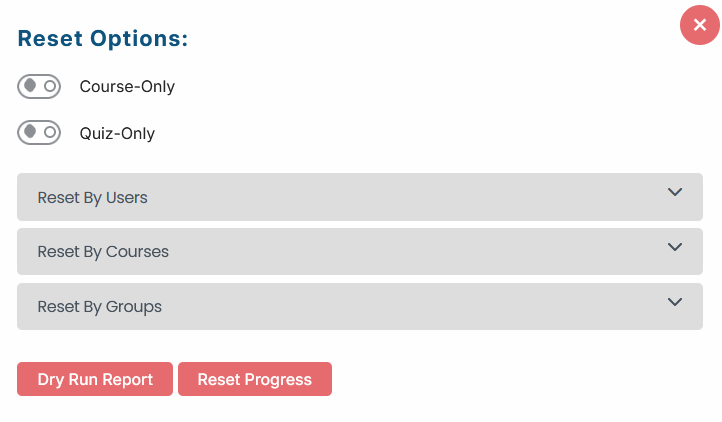
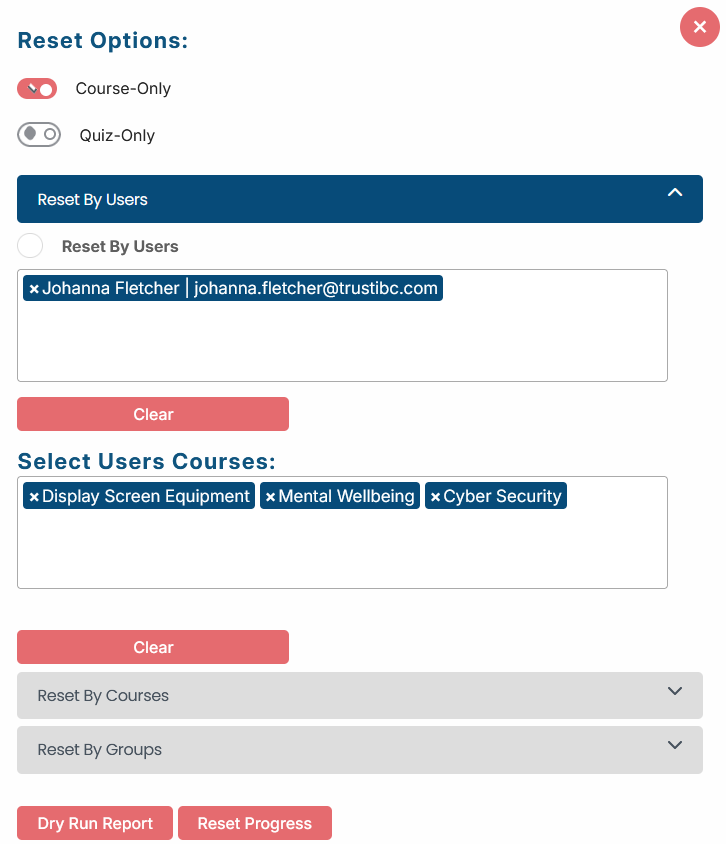
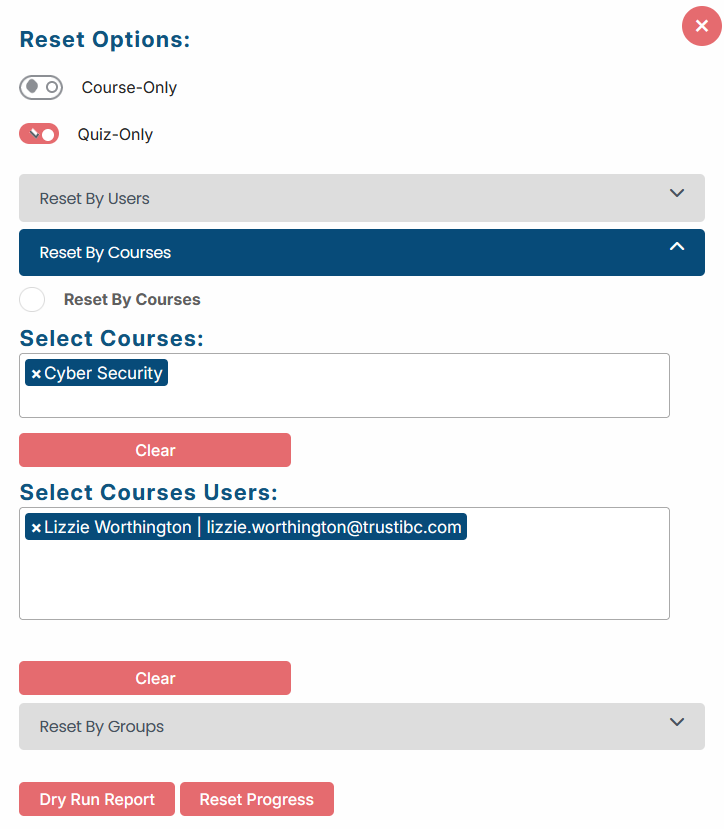
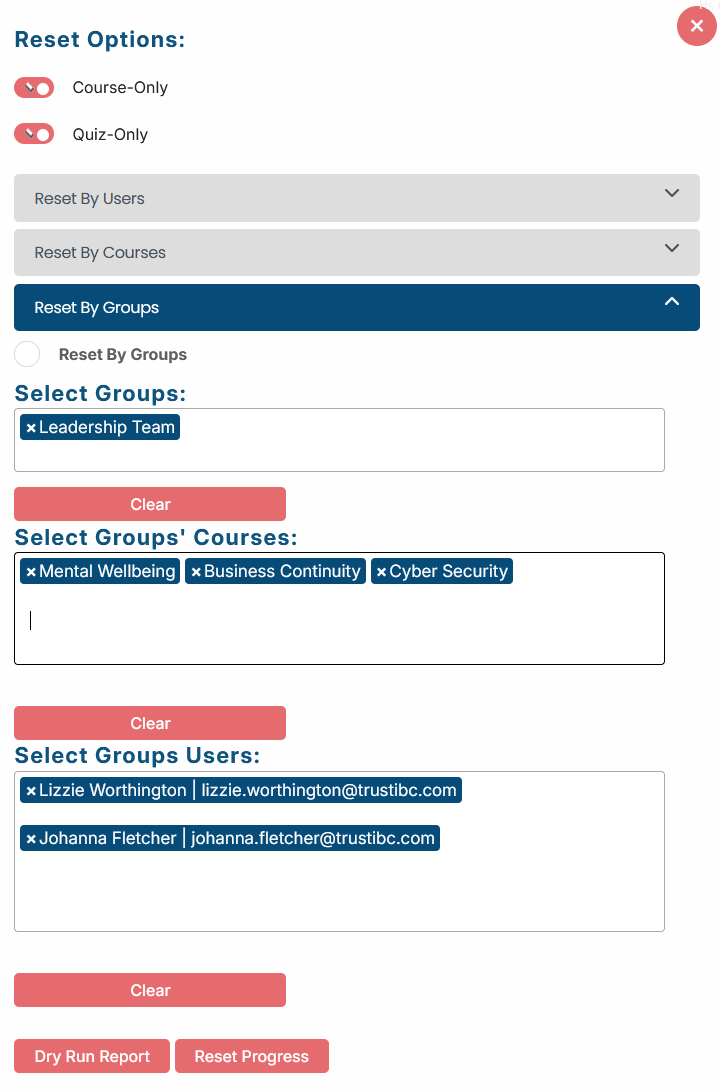
Before clicking Reset Progress, always run a Dry Run Report to confirm which learners and courses will be affected before any progress data is reset.
Once progress has been reset, the action cannot be undone.